27 New HTML Email Templates

Posted by Justin Premick

Many of our customers like to use HTML emails to send vibrant, branded communications to their subscribers. (So do we, for that matter.)

But creating a great-looking email can be challenging, especially if you’re not a designer and/or (like me) just aren’t an artist by nature.

That’s why we created our original HTML email templates — to help you spend less time on design, and more time on the content of your emails (not to mention the rest of your business).

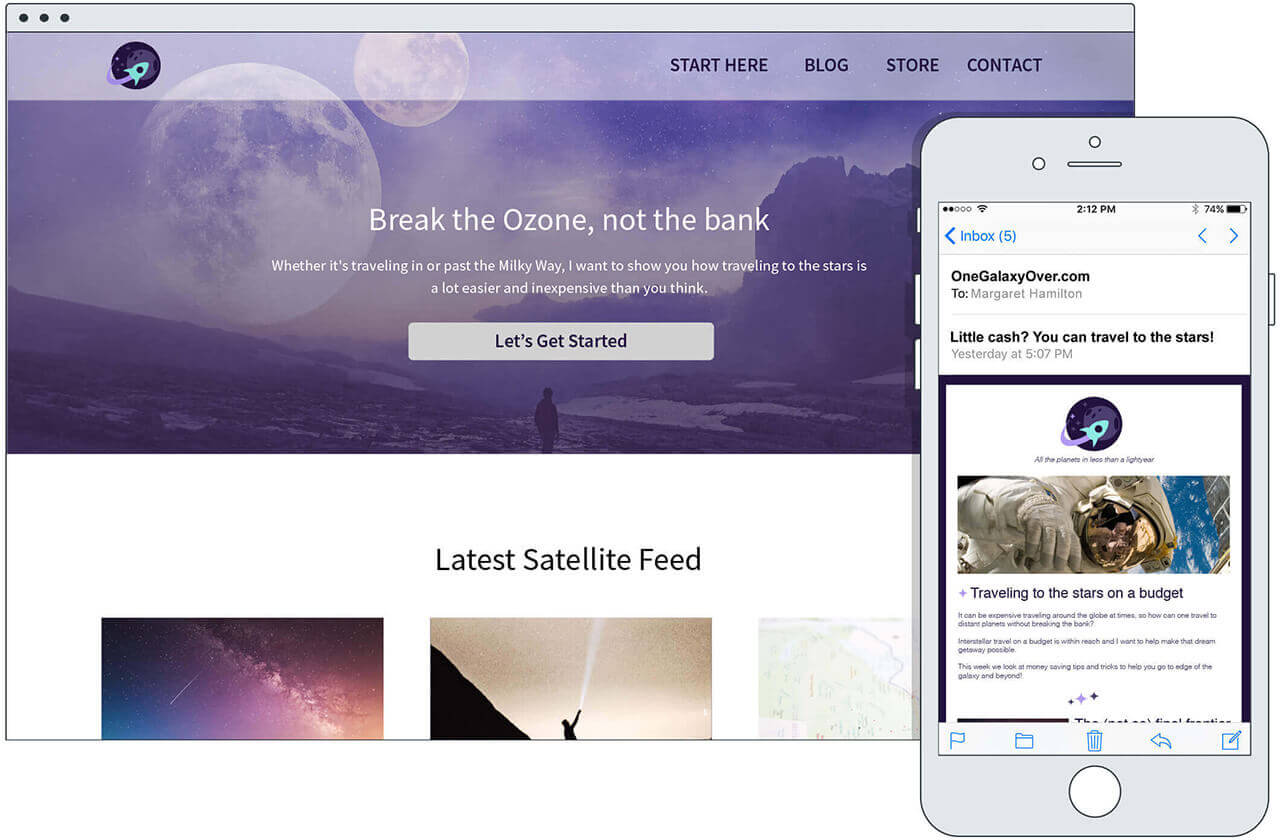
Today, I’m excited to announce a new series of attention-grabbing HTML email templates, available for your use right now in your AWeber account.

Introducing Our Newest HTML Email Templates

Starting immediately, all AWeber users have access to 27 new templates created by our new designer Bob (you can meet him and the rest of our team at our about page).

These new template designs have been tested in a wide range of email clients to ensure consistent rendering.

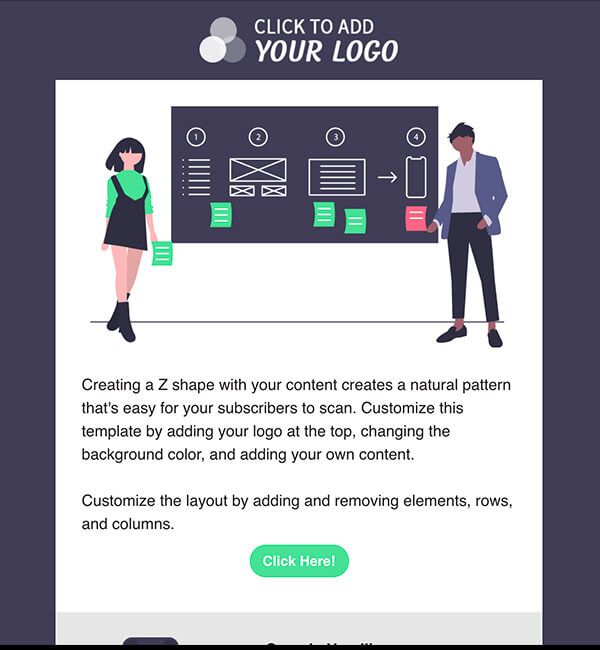
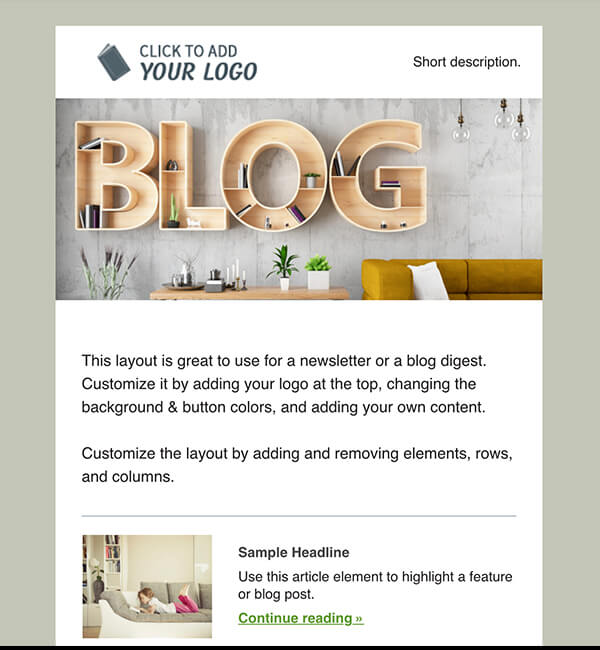
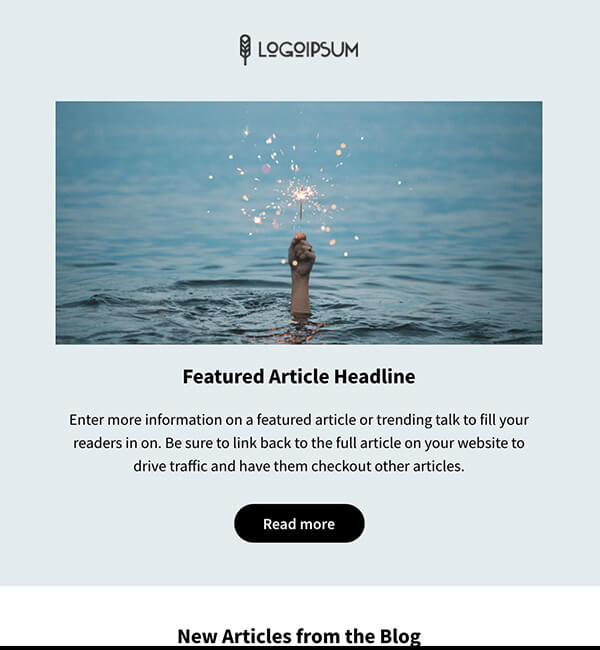
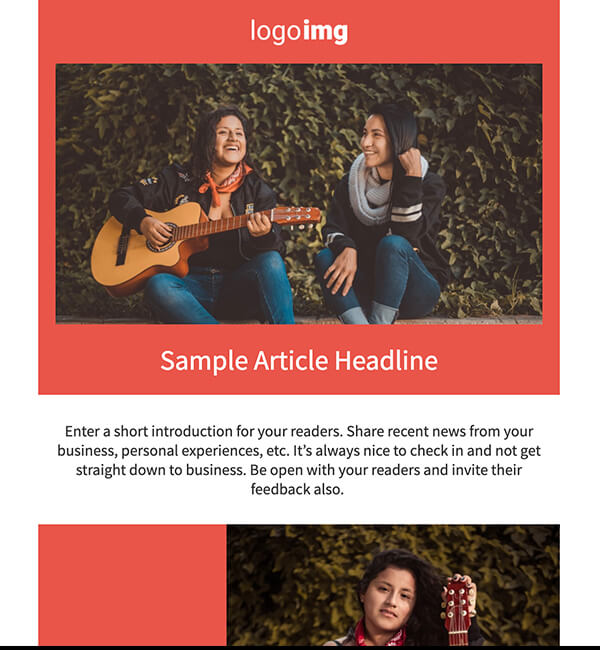
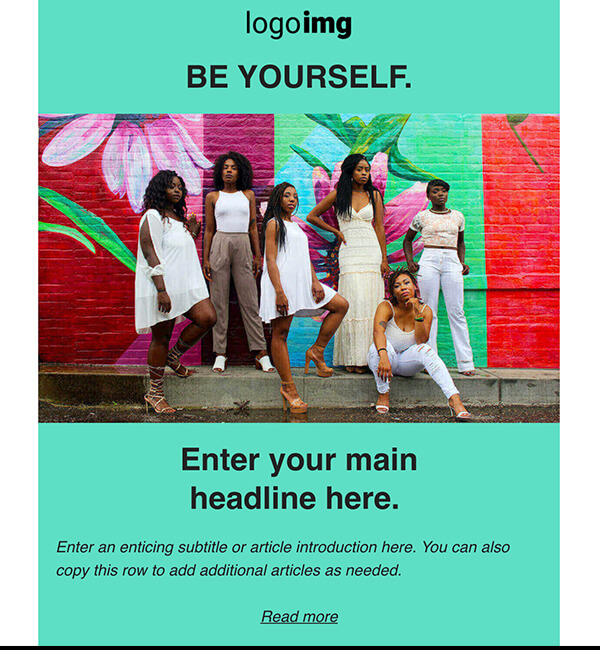
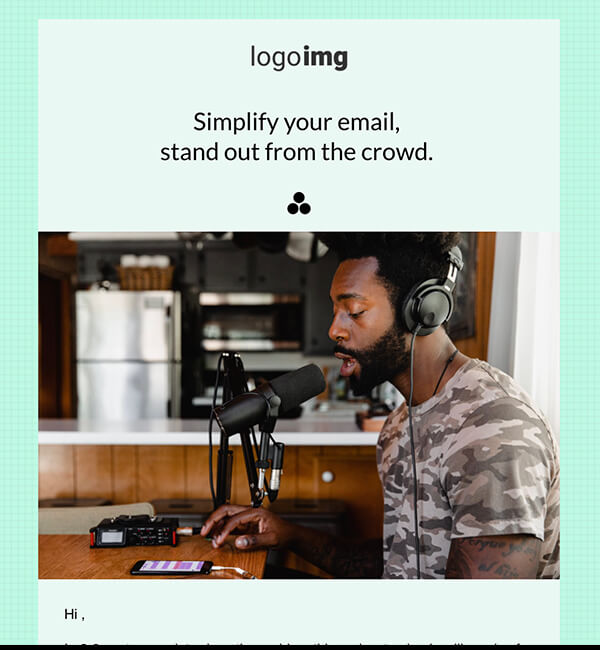
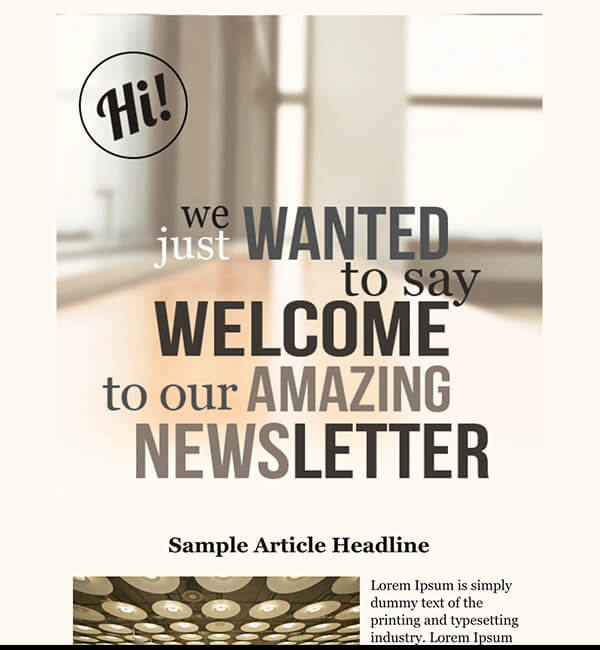
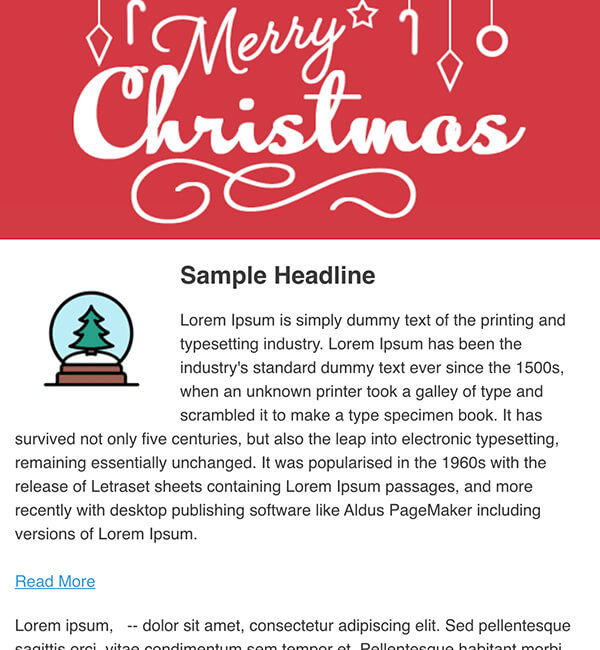
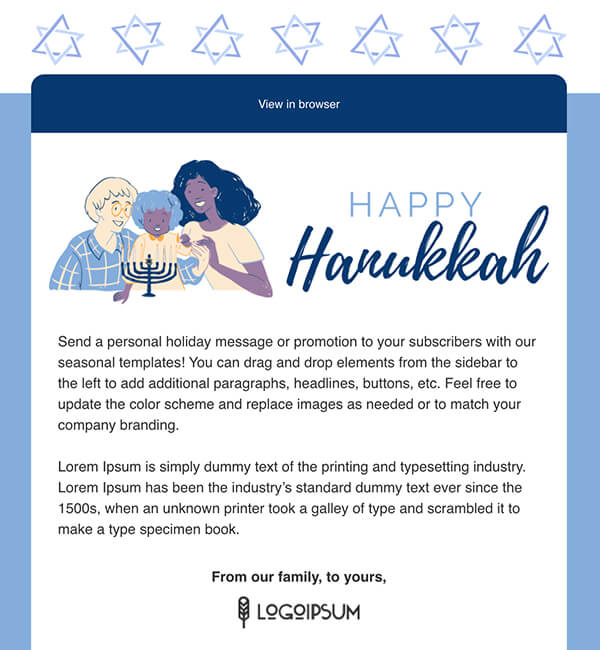
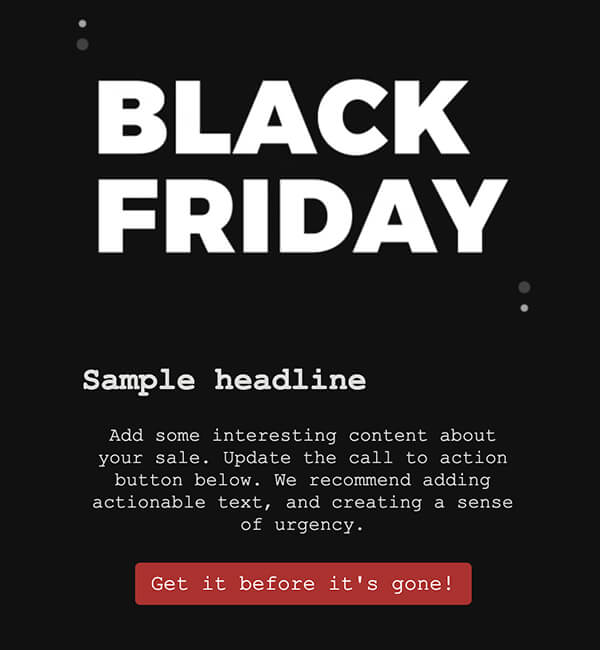
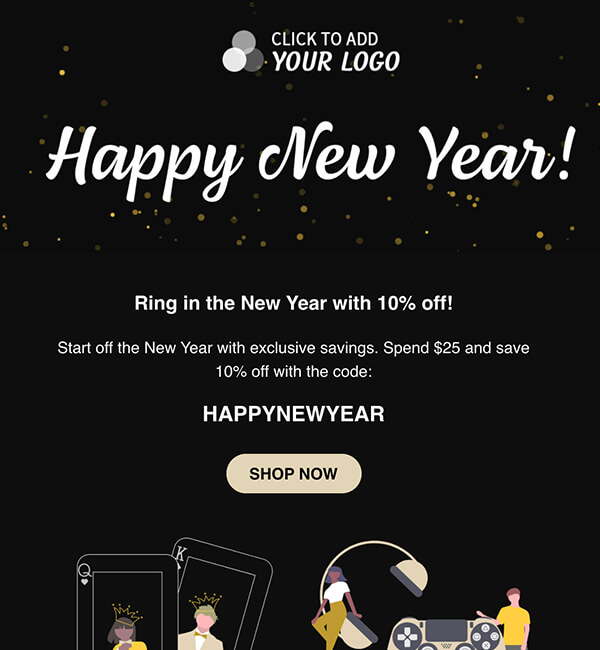
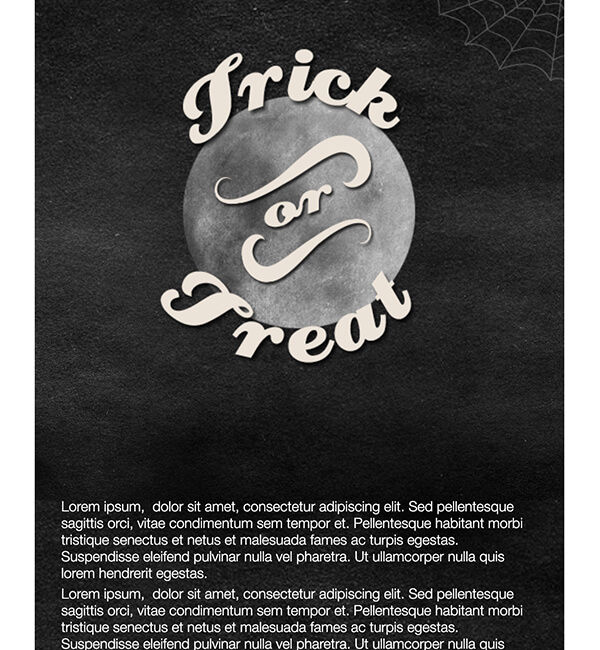
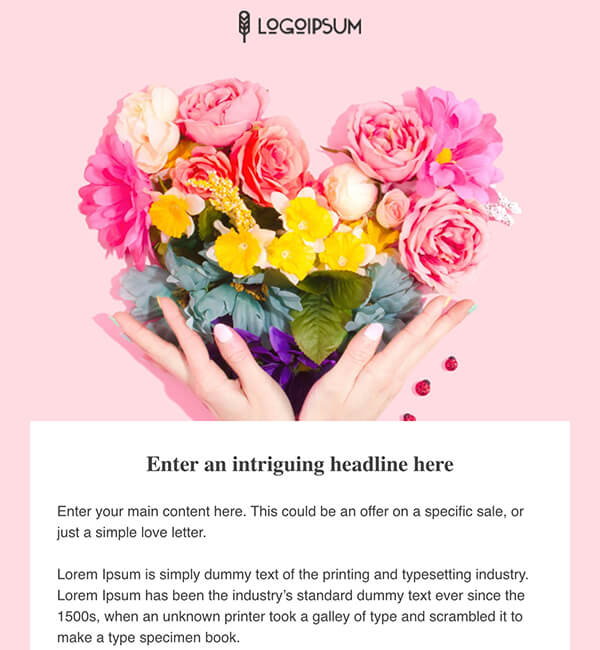
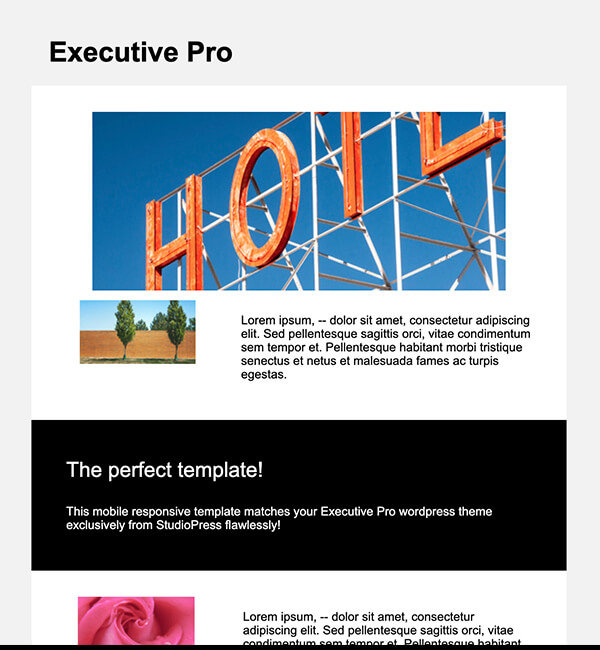
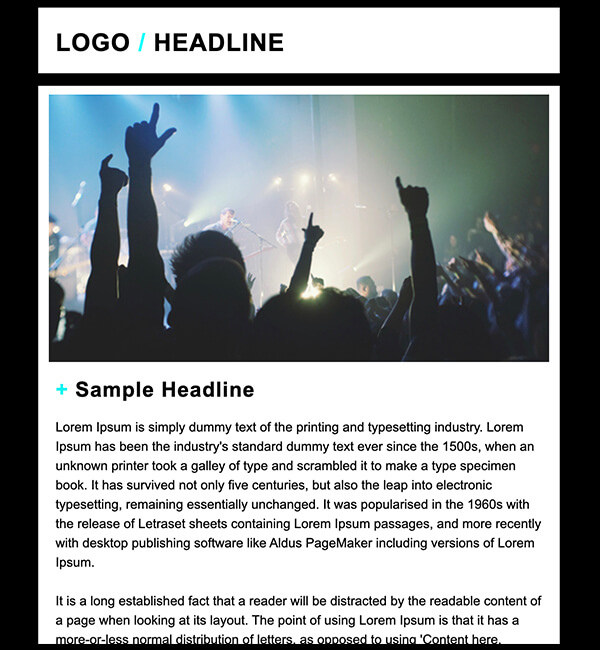
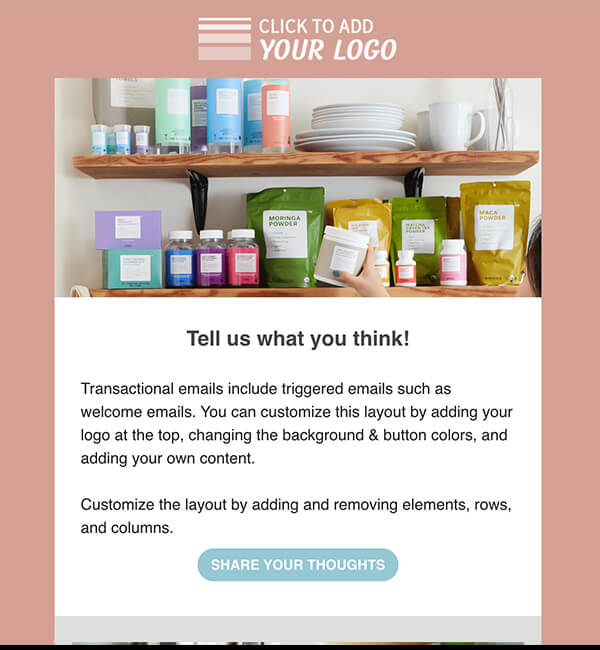
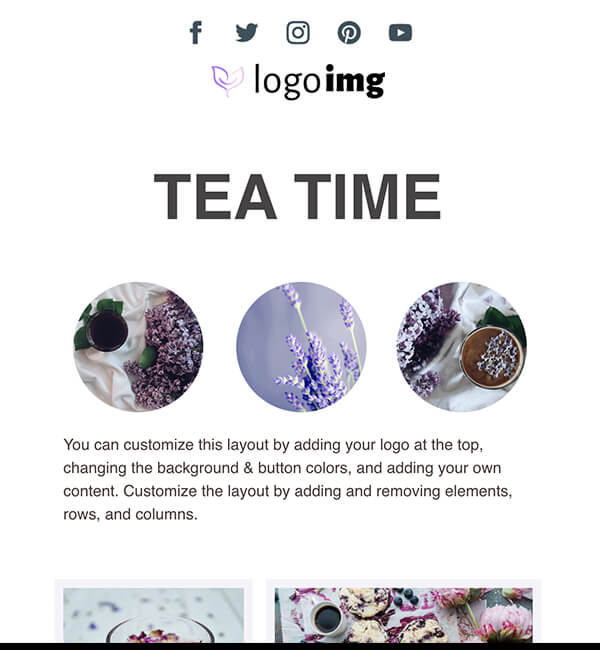
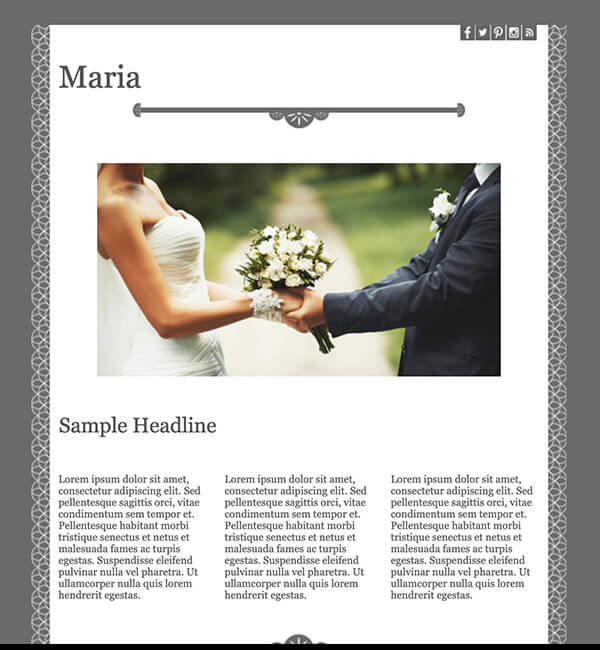
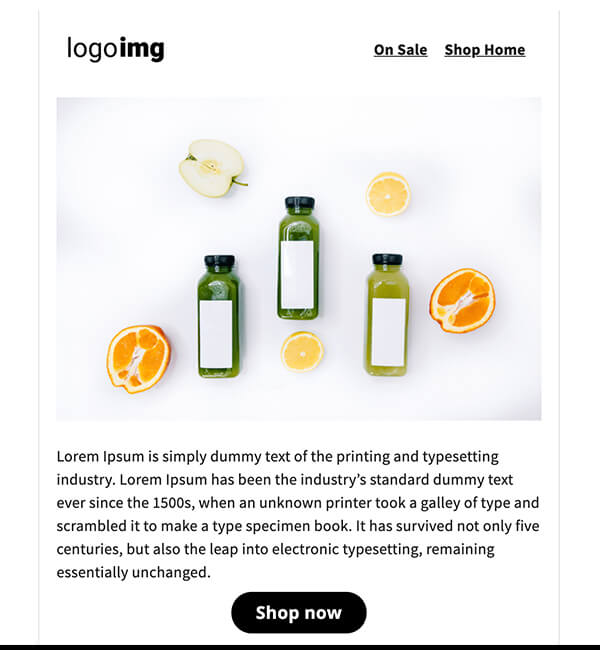
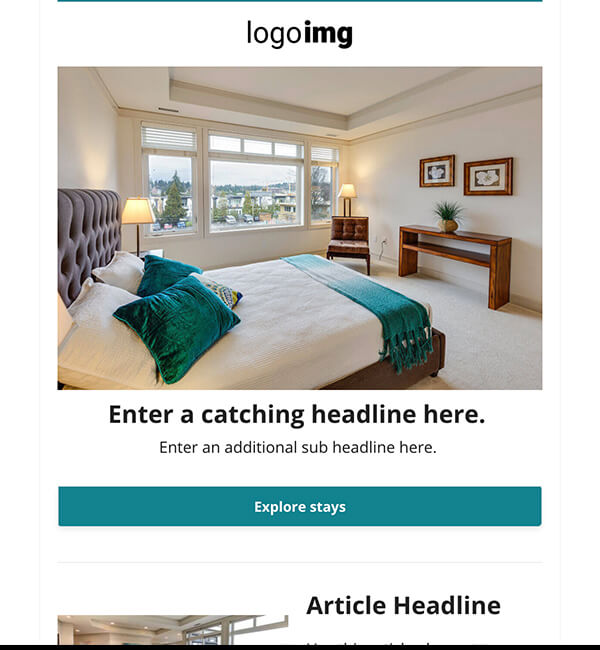
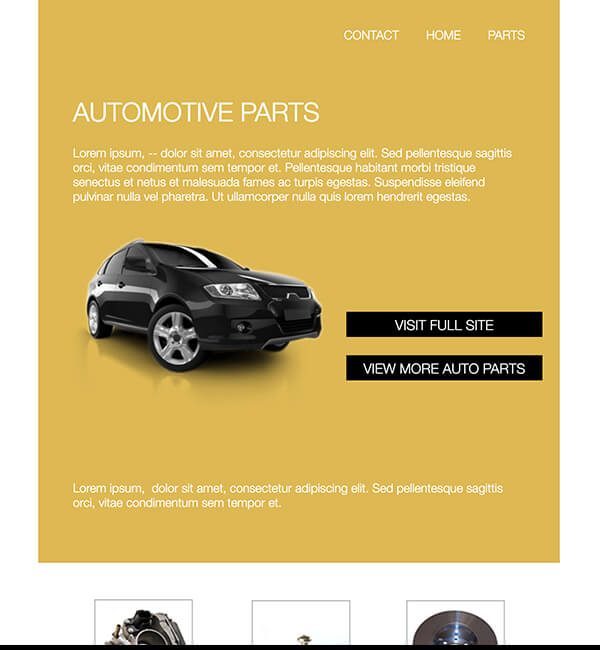
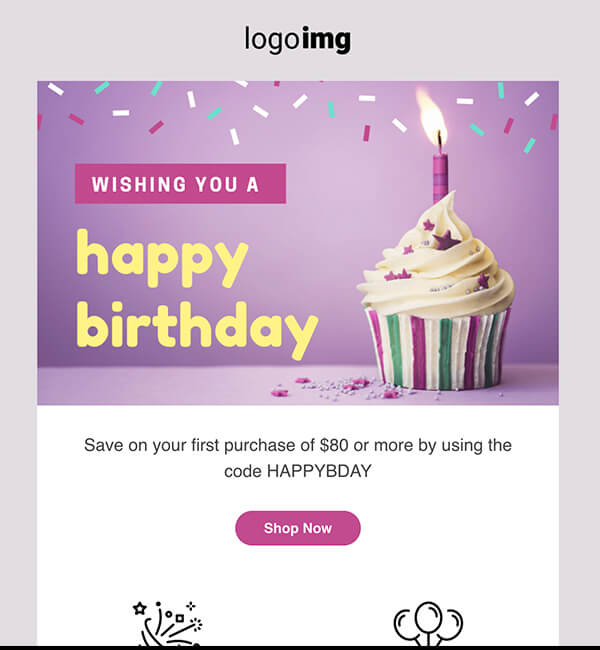
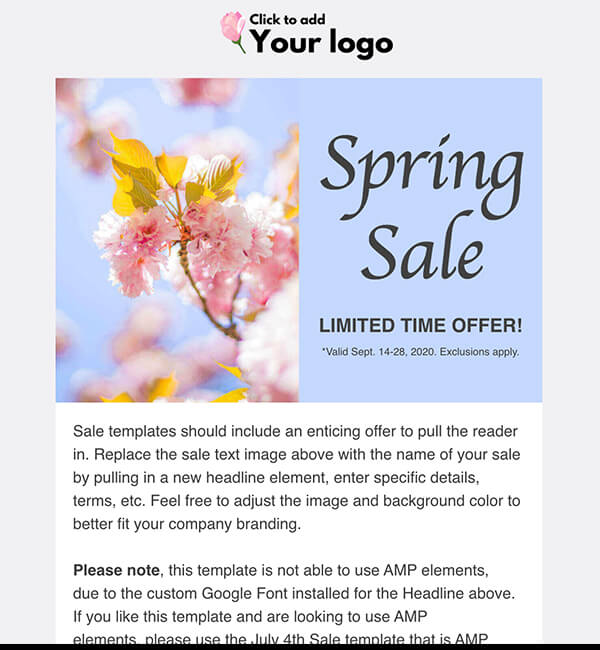
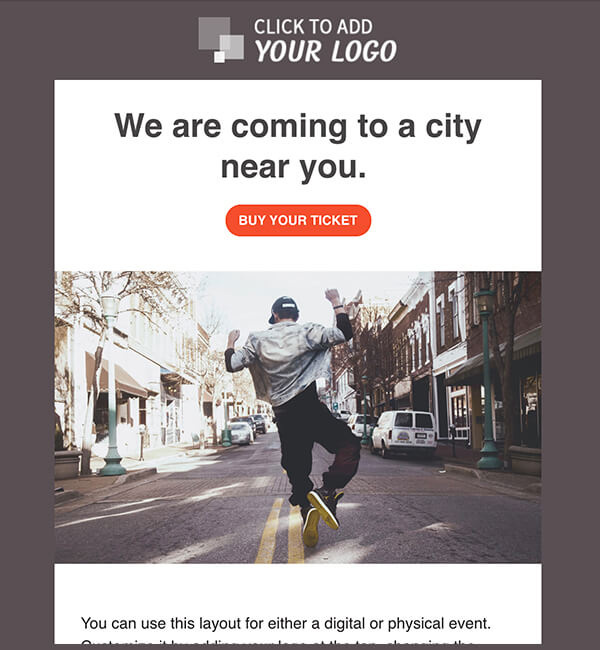
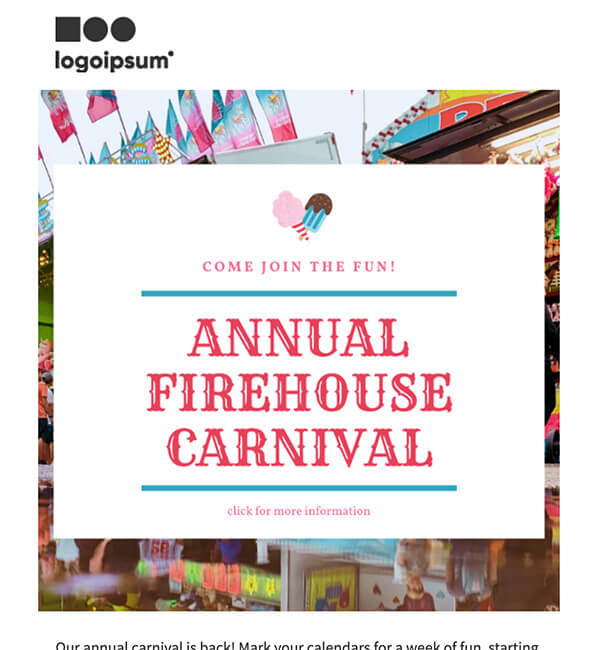
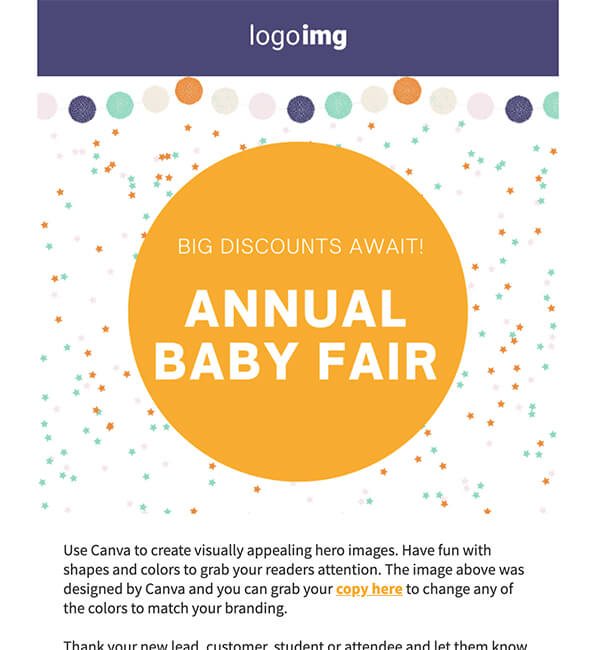
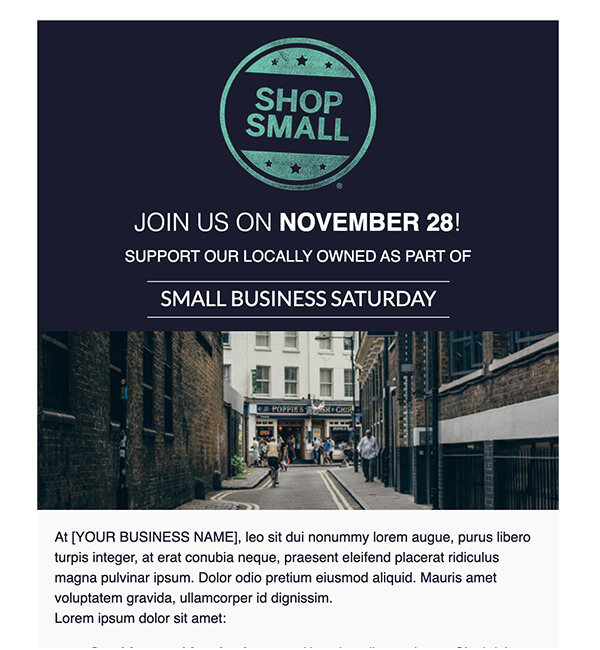
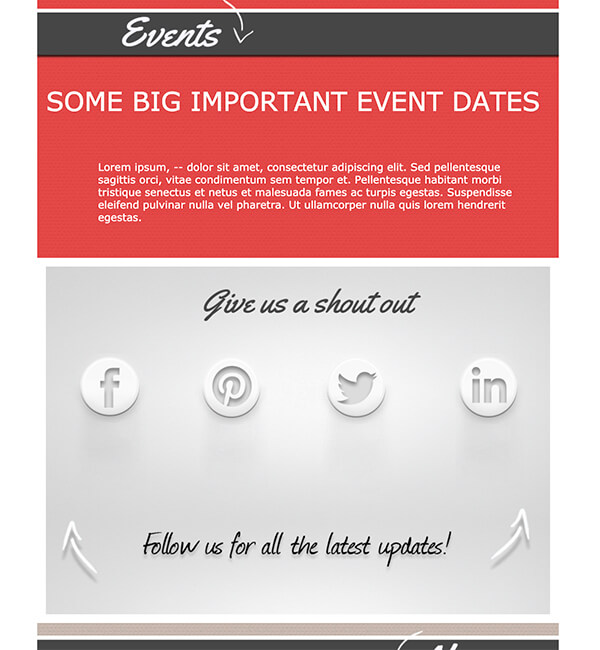
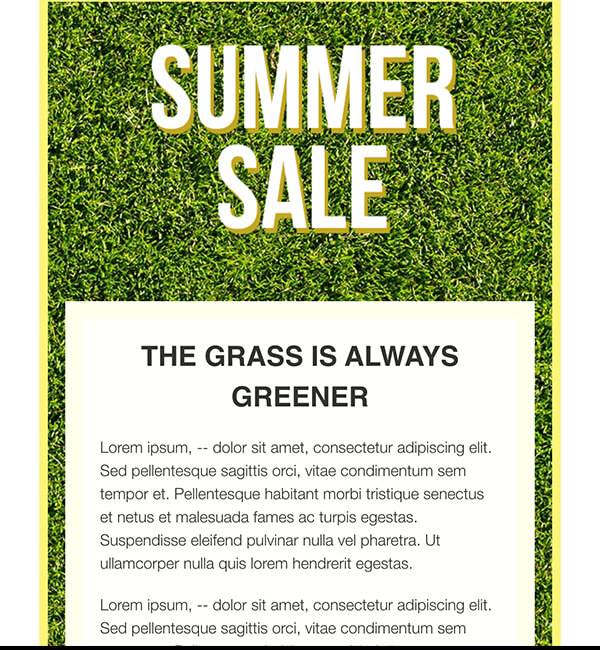
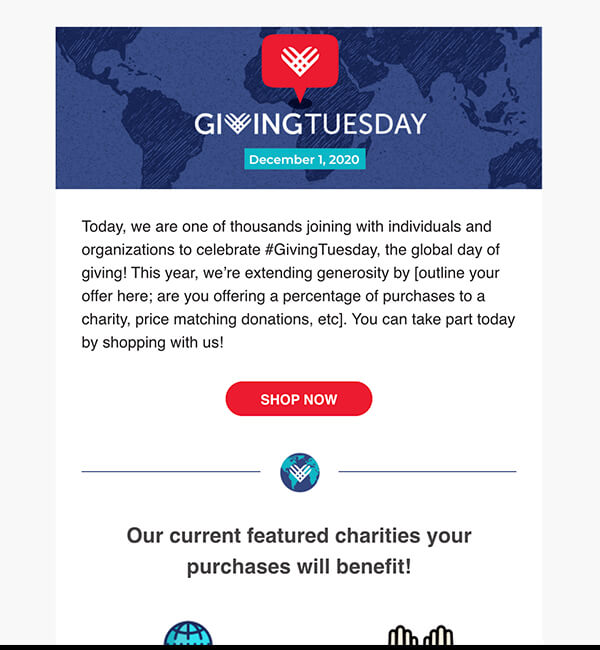
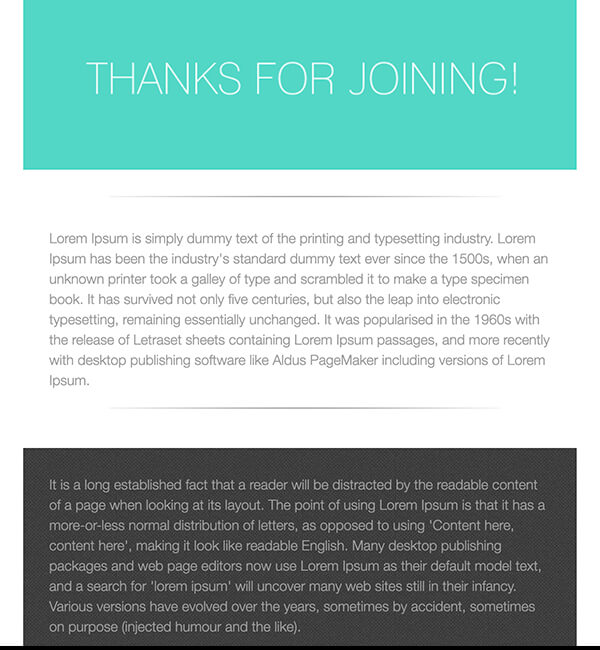
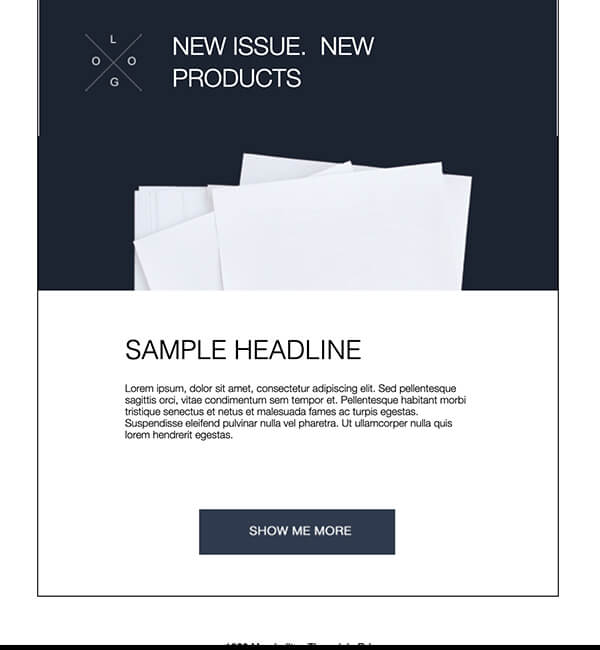
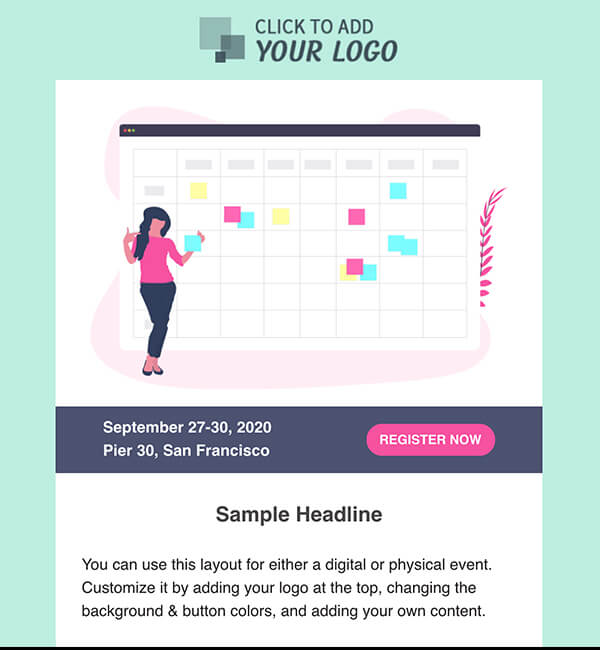
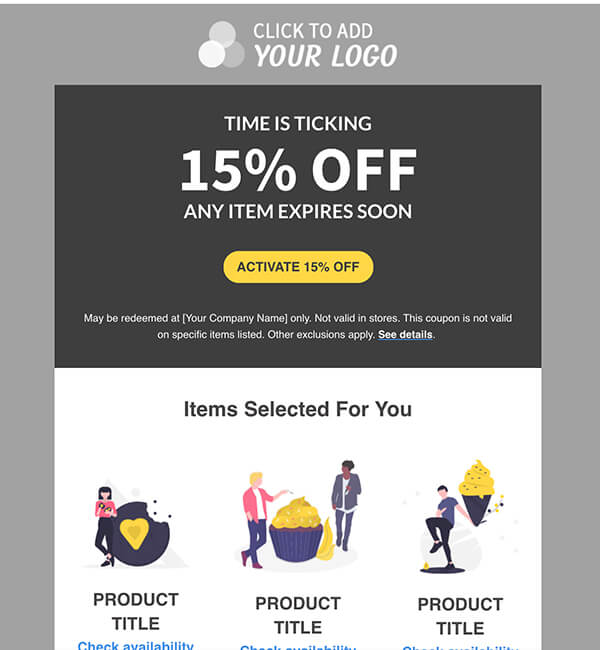
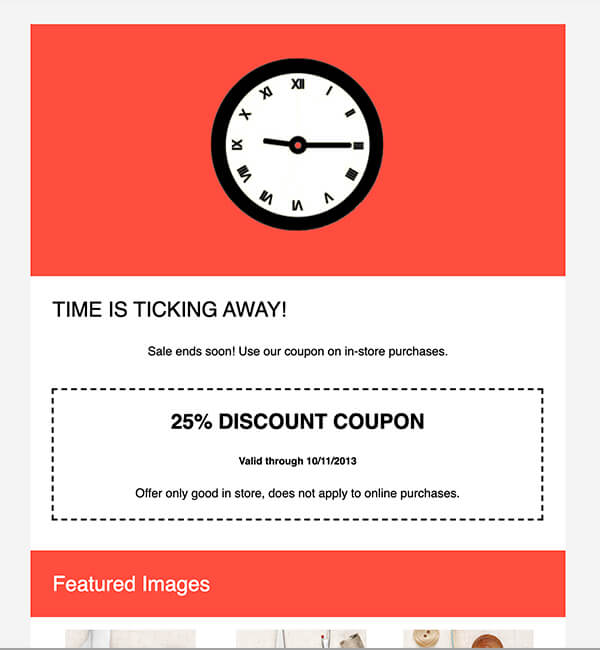
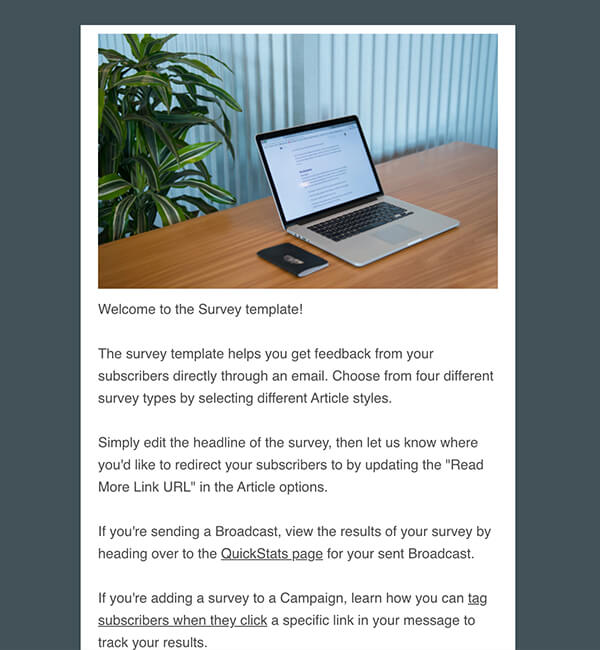
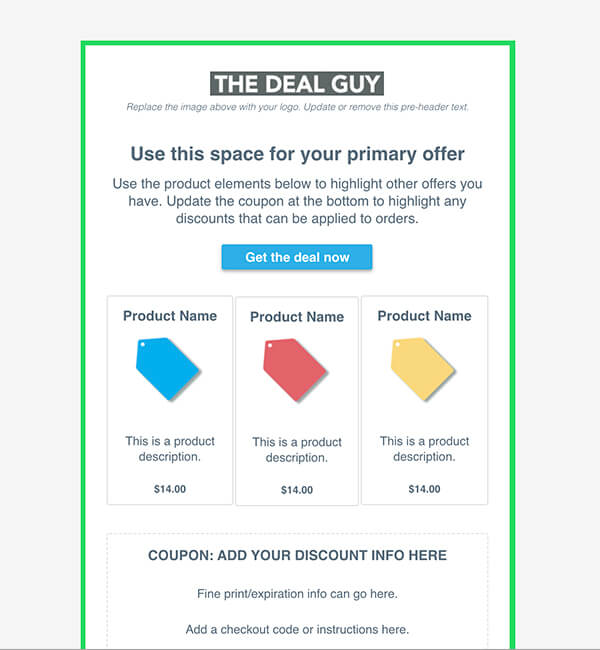
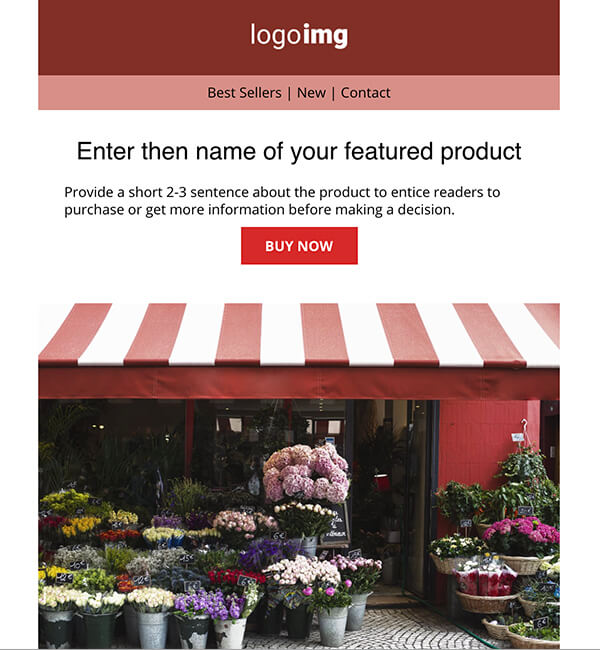
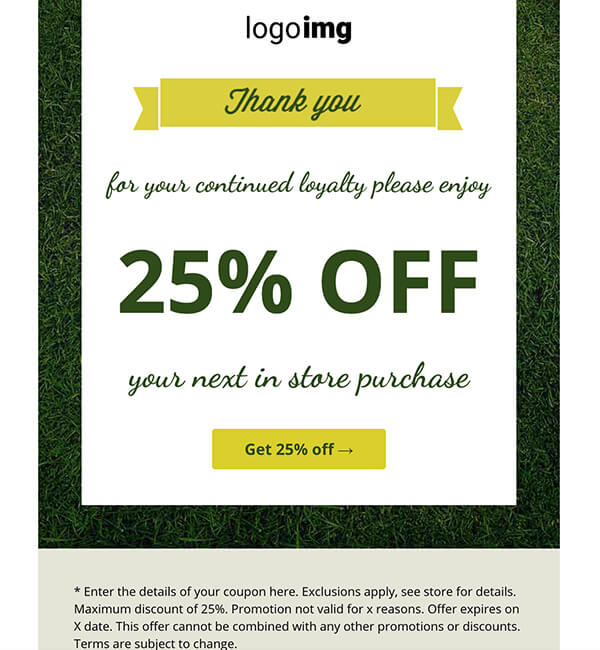
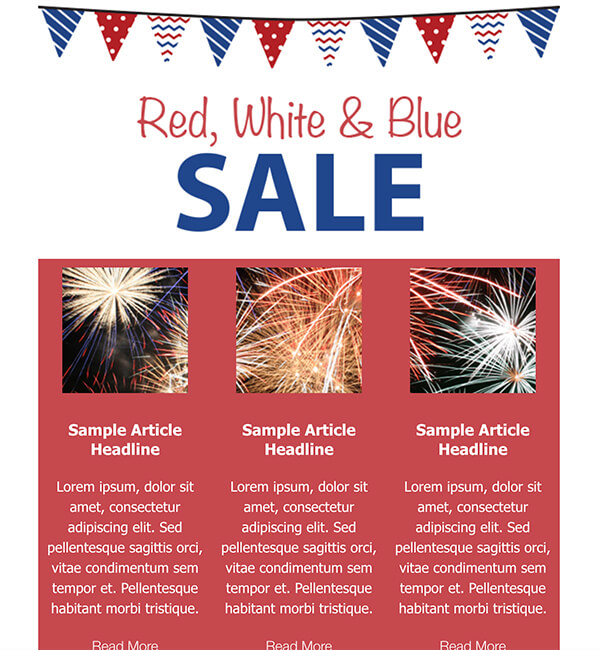
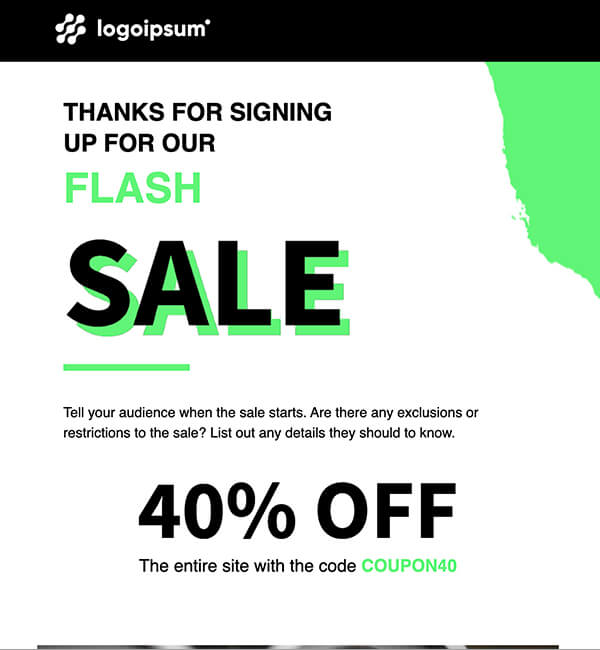
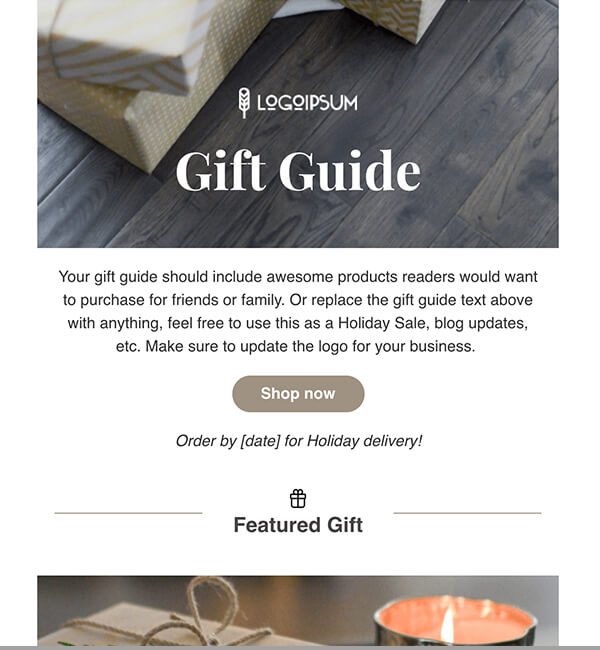
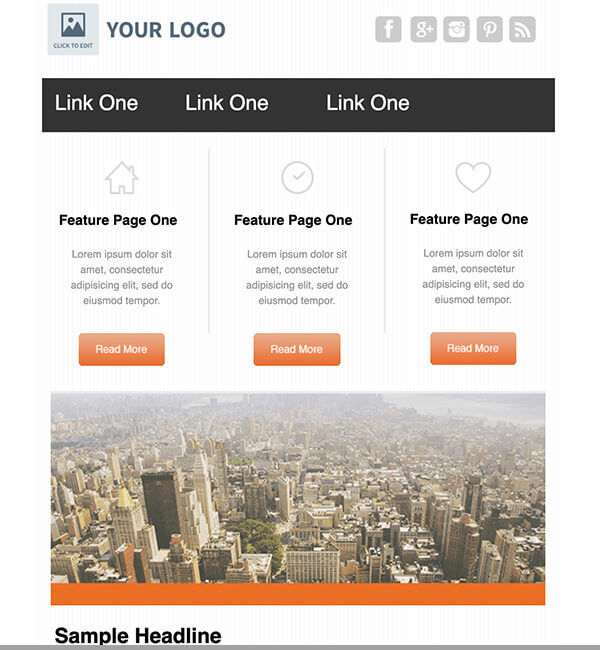
Here are a couple of the new designs (click each design to see more of it):

Among these new templates you’ll find single-column as well as multiple-column designs and a range of colors.

Try The New Templates Today

To start using these templates, head over to the Follow Ups or Broadcasts page of your account.

Once you’ve loaded a template into your message, you can easily add your logo and other branded content using our HTML editor.

While you’re at it, let us know what you think — your feedback helps us decide what types of new templates we might provide down the road! (Plus if you like these ones you’ll make Bob’s day :) )


Update: the names of the new templates are BigFoot, Corp, Danza, Modern, PureType, Simple, Stucco, Tech, Vegas and Water.

Most of those come in multiple color schemes. PureType also comes in both one- and two-column formats.

Tags: , ,


Print This Post

Related Posts:


23 Responses

  1. Dan
    July 1st, 2008 at 9:26 am

    I didn’t like the old ones as they did not work in Outlook 2007. The first new one I tried worked beautifully in Outlook 2007. Good work! Is there some way you could tag the new templates or at least give us a list of the new ones? Currently, they are all mixed together in the list.

  2. Brad Isaac
    July 1st, 2008 at 1:27 pm

    I’ll give some of these a try. I’ve recently noticed "padding" issues in the templates for my Gmail recipients. Maybe I can find one here that looks good and fixes that issue.

    Thanks :)

  3. Harjit
    July 1st, 2008 at 4:05 pm

    I am looking forward to using the new templates. Looks impressive.

  4. Susan M
    July 1st, 2008 at 5:40 pm

    I second Dan’s suggestion. It would be very helpful to have the new templates identified - too time consuming to look at every one on the total list

  5. Jayne
    July 1st, 2008 at 8:50 pm

    From what i can see these new templates do not have the new Web 2.0 look as does aweber’s own new template. Hopefully someone will tell me I’m wrong!

  6. Marc David
    July 1st, 2008 at 9:37 pm

    I found one that looked so good, it motivated me to start up my AR for my affiliate list again.

    Thanks for the update. The templates look and feel wonderful.

  7. John Derrick
    July 2nd, 2008 at 1:50 am

    I love a couple of the new templates!

    In fact, I was to taken with one in particular that I redesigned my newsletter on the spot.

    I was pleased to see them available for everyone, even those of us who did not upgrade our accounts to the new features.

    Way to go Aweber.

    (It would be nice to make the new templates stand out from the old ones however… could have saved a bit of time)

  8. Justin Premick
    July 2nd, 2008 at 7:15 am

    Hey all,

    Thanks for the feedback!

    I’ll post the template names at the end of the post above.

    Jayne,

    The "Corp" templates (top left out of the 4 preview images in the post) are actually based on the template we use for our own emails (matter of fact, we almost kept the "Corp - Blue" one for ourselves, but decided that you all would like it, too!).

  9. Laura Christianson
    July 3rd, 2008 at 2:28 pm

    These templates look much more functional than some of the former ones. Perfect timing! I’m preparing to launch the first e-zine for our company and will take a close look at all the new templates and experiment with one.

  10. Cassie
    July 4th, 2008 at 1:56 am

    This is perfect! I’ve been thinking about spiffying up my boring text newsletters so this is great timing. Thanks!

    I love how Aweber is always working to improve the user experience. I just paid for another year today actually, without any hesitation. My favorite service online by far :)

  11. Cassandra Rae
    July 5th, 2008 at 1:19 pm

    Awesome! Keep the improvements rolling :~)

  12. Stephanie Haile
    July 8th, 2008 at 3:00 pm

    Thank you AWeber! You always keep ‘em coming, These new additions are brilliant :)

  13. Donnab
    July 9th, 2008 at 10:07 pm

    I am grateful for the new templates. I look forward to using them soon. I know it will help my emails.

  14. Chas11
    July 10th, 2008 at 7:02 am

    Thanks AWeber, the new email templates look really good. They will make my job easier and will impress my customers.

  15. Edwin
    July 17th, 2008 at 1:42 pm

    Great news indeed, these templates look very nice also the subscriber count is a nice add on.

  16. Kimberly Marooney
    July 17th, 2008 at 1:56 pm

    Hi,

    I am happy about your new templates. This is the only area where what you provide has disappointed me.

    The new templates help with links. From what I saw in the quick peak I just took, you are still missing three important components that would make me very happy:

    1 - coupons - the ability to add a coupon of some sort to the newsletter
    2 - send this to a friend - the suggestion and ease to send the newsletter to a friend
    3 - feature boxes - a little box to feature a produce, service or special

    Thank you

  17. Justin Premick
    July 17th, 2008 at 3:09 pm

    Kimberly,

    Thanks for the suggestions!

    If I may, I’d like to address them:

    1. Coupons - I can see the value in adding that and will see how we might implement that in the future.

    In the meantime, you can use the "Insert/Edit Table" option in the HTML editor to create a one-cell table (essentially a "box") that you can customize (border, different background color, etc.) and use as your coupon.

    2. Send to Friend - we feel that encouraging people to forward the email, rather than using a web-based "tell a friend" feature, is the better option (especially for your email deliverability).

    In fact, if you’re subscribed to our blog newsletter, you’ll see this is something we do ourselves in the right-hand column of those emails.

    You can read more about the case for forwarding here.

    3. Feature Boxes - I think this falls under the same category as coupons - basically a "box" (table) you can use to draw out content. You also might look at the "BigFoot" and "Danza" templates, which I think can work well for a product feature.

  18. Louise
    July 22nd, 2008 at 10:25 am

    The Danza template is great, you can use the top right area (in grey) or for a feature box use the left columns for highlights. Its been easy for me to design my newsletter for our mums, thank you.

  19. Paul Bryant
    August 5th, 2008 at 3:37 pm

    What I cant see how to do is save my own template.

    Let’s say I want to adapt one of the aWeber templates and I know I will use over and over again. Is there a way to save my new edited template so that next time I mail I just select my edited template, add my content and hit send?

    Is there an easy way to do that or is it just a case of creating the template and saving the raw html externally of aWeber so that I can just paste it in when I need it?

  20. Justin Premick
    August 5th, 2008 at 3:45 pm

    Paul,

    Here’s what I’d do.

    Create/send a message using your adapted template.

    Then, when you want to create a new message with that same design, use the "Copy" feature to duplicate your sent message.

    Replace the old message content with your new content, save and send.

  21. Bunmi moore
    August 11th, 2008 at 9:43 am

    Thanks soooo much for the new templates. I called the company the other day expressing concern about the look and limited choice of your templates. No one told me that new ones had been added. So I was just on the web searching for HTML newsletter templates that I could use in aweber. After looking at a lot of other companies with amazing HTML templates, I was lead to a link that told me that aweber has new templates. I was happy to see this.

    Thanks for the upgrading of your templates. I would also like to see the " email to a friend feature".

  22. Justin Premick
    August 11th, 2008 at 10:43 am

    Bunmi,

    You might be interested in my recent post on doubling your blog newsletter subscribers, which discusses why I feel that asking subscribers to forward messages, rather than use a "send to friend" function, is a better way to spread the word about your campaign.

  23. Asghar Shah
    September 4th, 2008 at 10:49 pm

    I am looking some new templates, give are quite old traditional. I called the company the other day expressing concern about the look and limited choice of your templates. No one told me that new ones had been added.

Leave a Comment


Subscribe without commenting


Subscribe via RSS rss


footer